
Tenant user guide
This manual is for ESOPS tenant administrators, SOP authors and reviewers, production managers, and shop-floor employees. It explains operations within your organization, from employee records to production execution.
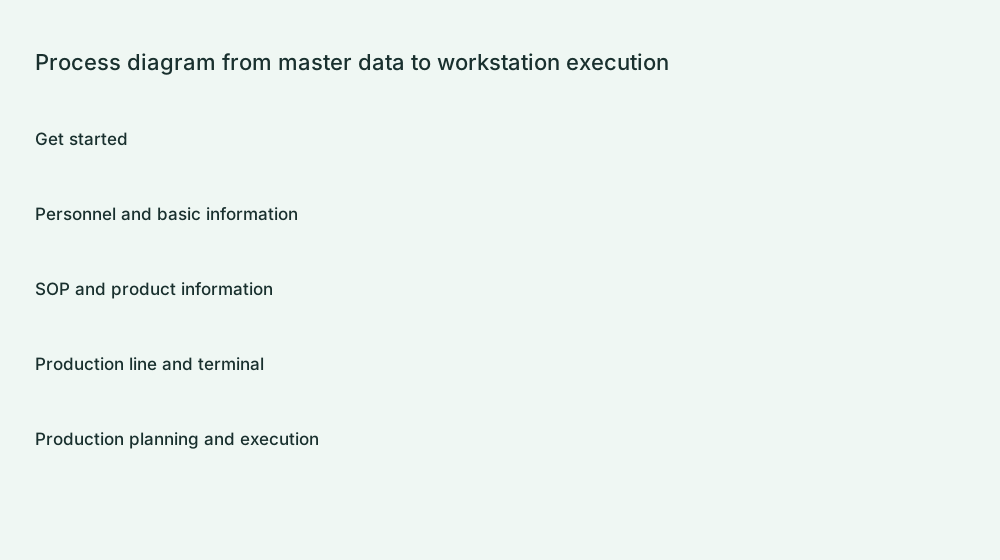
Scope of this manual
This manual covers features that can be authorized within your current organization. Available menus depend on the organization's enabled features, your account roles, and your positions. A tenant administrator is not a platform operator. Follow the menu names shown in your account.
Choose a reading order for your role
| User | Recommended reading |
|---|---|
| Organization administrator | Registration and login → Departments, roles and positions → Employee management → Workshops, lines and workstations → Terminal installation and binding |
| SOP authors and reviewers | Products → SOP operations and attachments → SOP version review → Approved versions used in scheduling |
| Production managers | Production orders → Publish schedules → Task groups and supplementary schedules → Production report history → Alarm records |
| Shop-floor employees | Terminal login and employee badge → View tasks and SOPs → Report production → Quick alarms |
First-time setup sequence
- Create your organization, sign in, and confirm the current organization.
- Set up your organization's departments, positions, and roles, then maintain employee accounts.
- Create workshops, production lines, and workstations; download and connect terminals.
- Create a product. Maintain its operations and work instructions in the SOP list, generate a preview, and submit it for review.
- After approval, create a production order, configure a schedule, and start it.
- Have an employee sign in at a workstation, check the task, documents, and quantities, submit a production report, then verify it in the administration console.
Screenshots and instructions
Screenshots use test data. Do not copy their identifiers, dates, or quantities directly. Process diagrams explain relationships between steps and do not depict actual forms. Click an image to view the original. Each chapter's completion check helps confirm the result.
What if a menu or button is missing?
Check your organization, whether your account is enabled, and whether your roles have permission. Ask your organization's administrator to verify these settings. The manual describes tenant business features; it does not mean every employee has every menu and button by default.
Related information:Implementation Notes · Free resources and upgrades · Terminal download